Harbor
resume template.
Harbor uses a main narrative column and a separate supporting column to present your experience. Its modern typography and restrained colour give each section a consistent hierarchy.
Use this template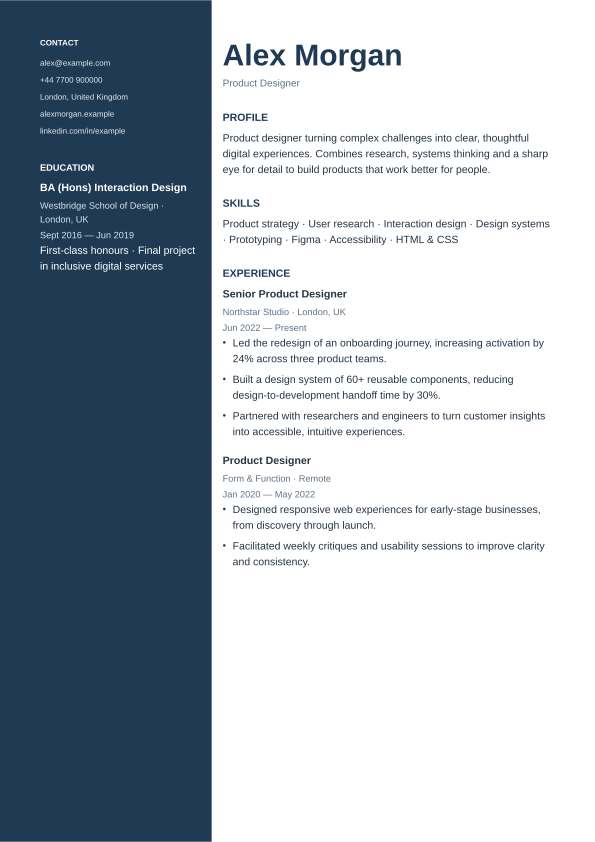
Fictional example. Your own content replaces these details.
A modern format with a clear purpose
Start with the hybrid section order, then move the most relevant evidence higher. Keep dates, headings and descriptions consistent. Use the section organiser to rename headings, change columns or add a deliberate page break.
Make the layout work for you
Change the accent colour, body typeface, font size and spacing in Design & layout. Switch between A4 and US Letter. Add projects, languages, certifications or a custom section, then reorder the sections to suit your application.
Choose your export
Download PDF creates a text-based document with automatic page breaks. Print / Save PDF preserves the template styling through your browser and supports a wider range of writing systems. Check the final file before sending. Keep a JSON backup if you want to edit the resume on another device.